
P1 5 min
Getting Started
BeginnerRegister, log in, reset your password, and run the first-time setup wizard.
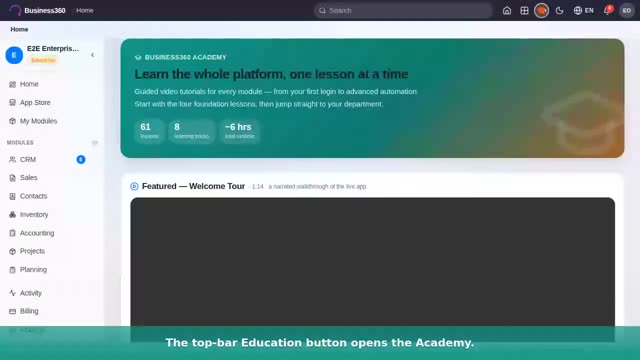
61 guided video tutorials for every module — recorded from the live product, from your first login to advanced automation.
Register, log in, reset your password, and run the first-time setup wizard.
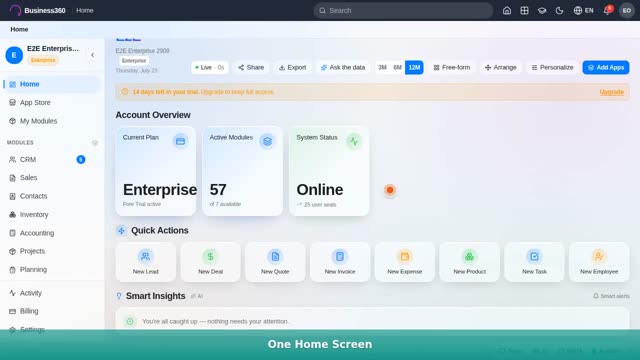
Home dashboard, sidebar, header bar, command palette (⌘K), and the trial banner.
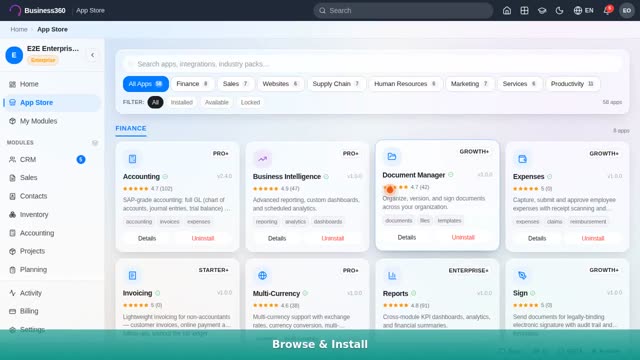
Browse, install and uninstall modules, plus the community marketplace.
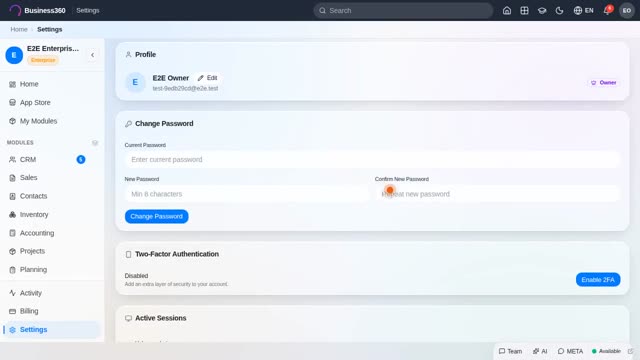
Account & password, organization info, team members, roles, and billing.
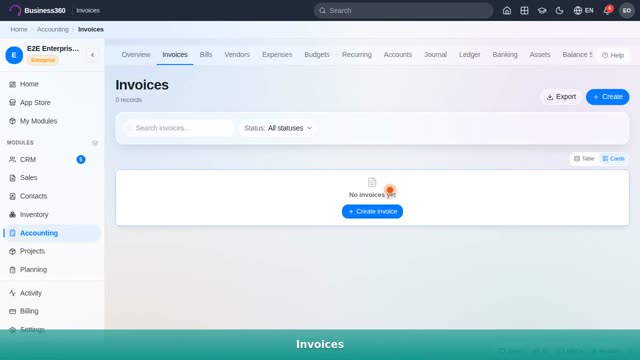
A deep-dive: build the chart of accounts, add vendors & bills, raise invoices, and read the balance sheet & cash flow — real click-by-click.

Create an invoice with line items, send it, and track paid vs unpaid.
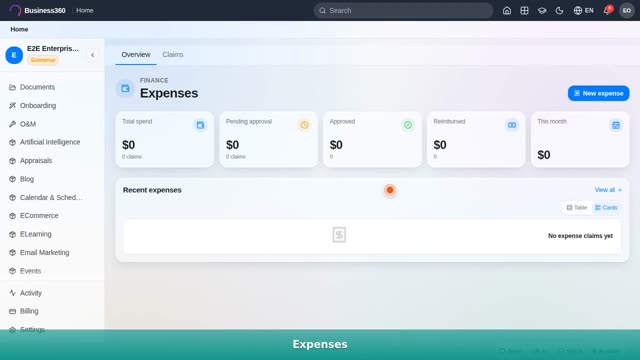
Log an expense claim, walk it through approval, and report it out.
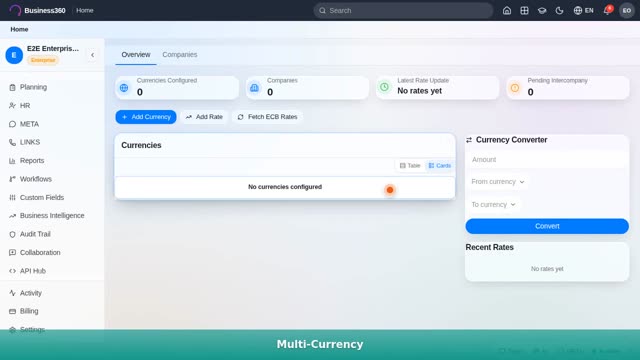
Enable currencies, set exchange rates, and convert across companies.
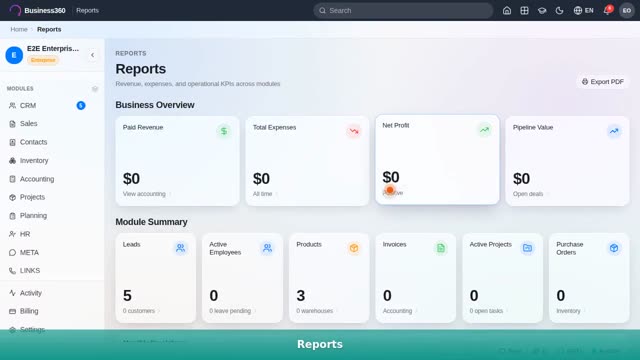
KPI overview, monthly P&L, alerts, and PDF export.
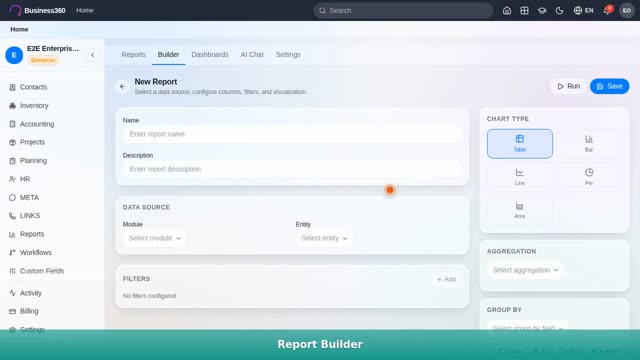
A deep-dive: build a dashboard, slice any module's data in the report builder, read forecasts & insights, and ask the AI — real click-by-click.

A full deep-dive: capture & AI-score leads, convert to customers, build pipelines, work deals, and manage tasks — real click-by-click.
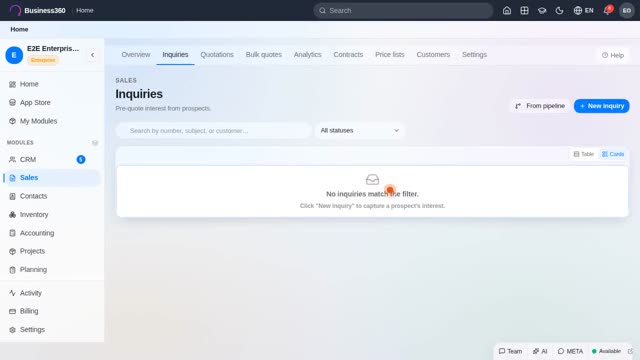
A deep-dive: build a quote in the full builder, draft with AI & templates, route for approval & e-sign, and read sales analytics — real click-by-click.
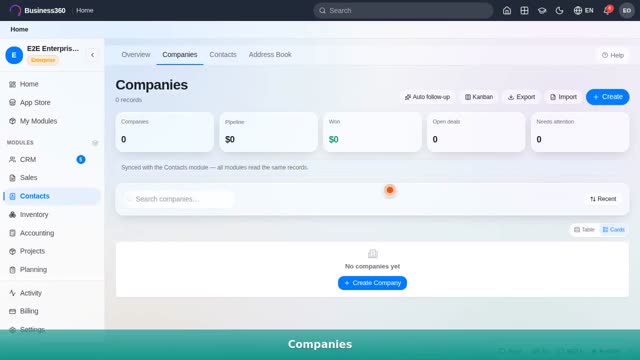
Companies and the people inside them — one shared B2B address book.
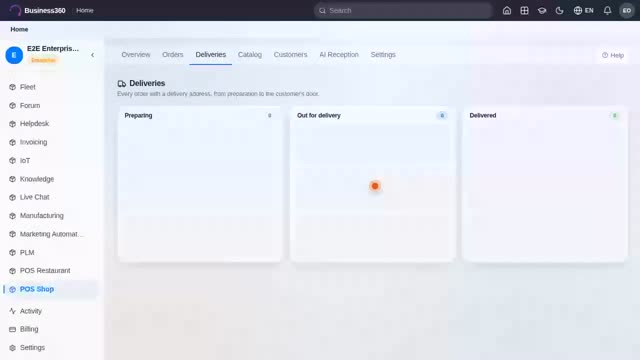
A deep-dive: ring up a counter order, manage your catalog, track deliveries, and meet AI reception — real click-by-click.
Floor & tables, build a ticket, send to kitchen, and settle.
Publish products, the storefront, and managing online orders.
Plans, subscribe a customer, lifecycle, MRR and churn.
Rentable items, orders through reserved → out → returned → overdue.
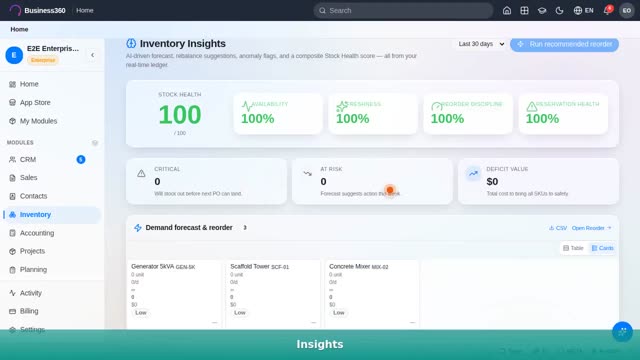
A deep-dive: add products, organize warehouses & bins, set reorder points, and read stock insights — real click-by-click.
A deep-dive: raise a requisition, compare quotes with RFQs, approve purchase orders, and match vendor bills — the whole procurement flow, real click-by-click.
Bills of materials, work orders, and tracking a build.

Assets, preventive maintenance, work orders, spare parts and calendar.
BOM versions, engineering change orders, and revision history.
Quality checks, inspections, and non-conformance reports.
Schedule and assign work with capacity at a glance.
A deep-dive: add employees, track attendance, run leave requests & approvals, and read the org chart — real click-by-click.
Post a job and move candidates through the hiring pipeline.
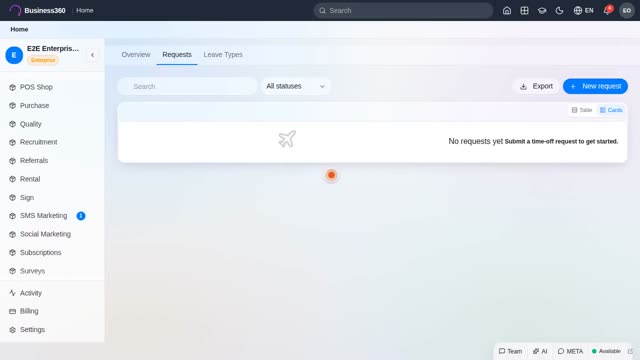
Leave types, requests, approvals and balances.
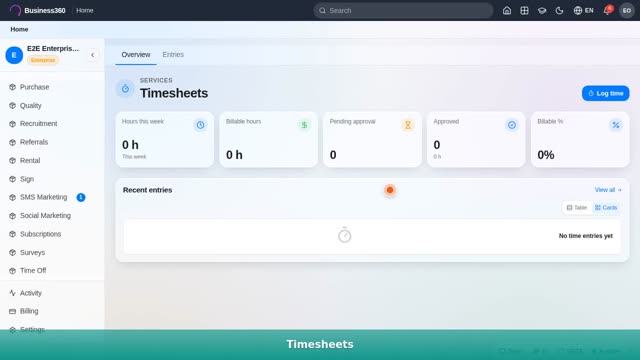
Log billable time, submit, approve, and feed reports.
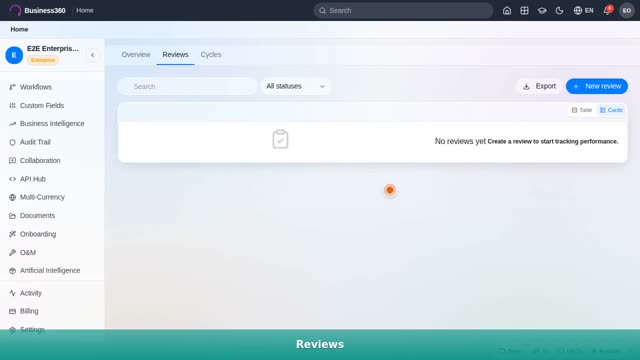
Open a review cycle, assign reviews, and record ratings.
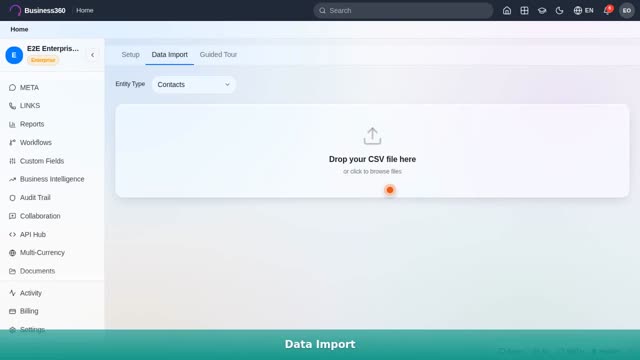
Import your data and run the guided setup tour.
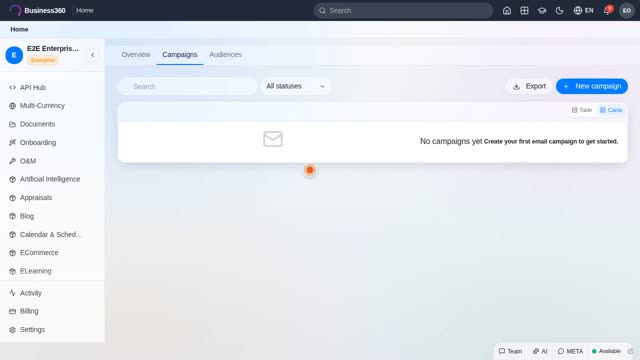
Build an audience, compose a campaign, send and track opens.
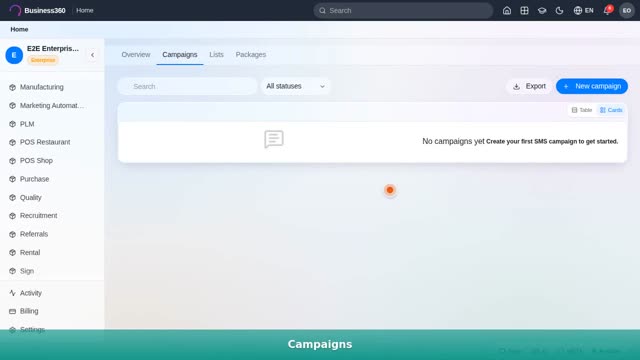
Packages, recipient lists, and sending an SMS campaign.
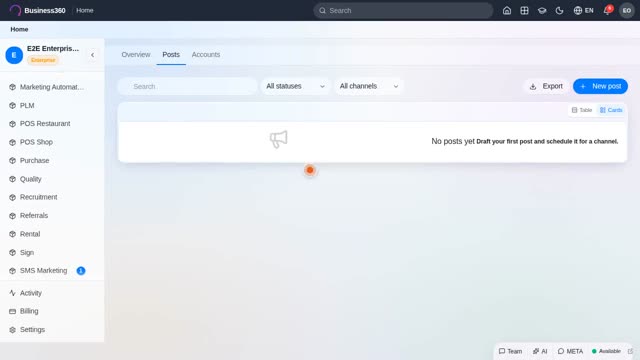
Connect accounts, compose, and schedule posts across channels.
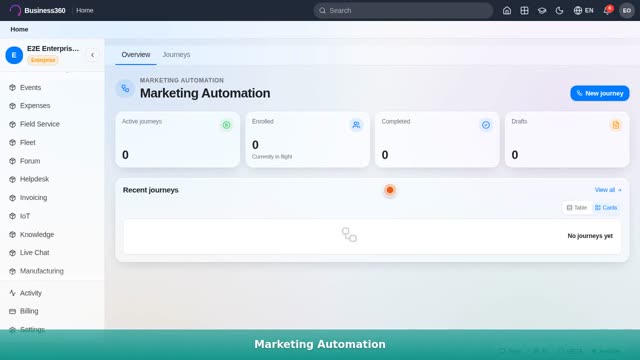
Build a journey — trigger, wait, email/SMS, branch — and activate it.
Connect the number, templates, shared inbox, and broadcasts.
Set up a referral program, share links, and track payouts.
Create an event, take registrations, and manage attendees.
Write a post with SEO fields and publish the public blog.
Create topics, start discussions, and moderate a community.
Build pages, set domain & SEO, and publish your site.
A deep-dive: create a project, plan tasks & milestones, balance team workload, handle tickets and read analytics — real click-by-click.
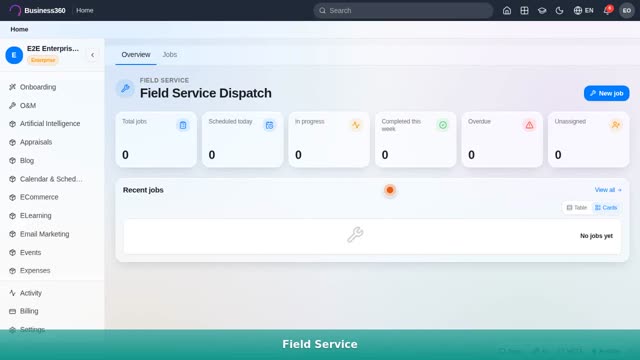
Create a job, dispatch a technician, and complete it in the field.

Triage a ticket by priority & SLA, reply, and resolve.
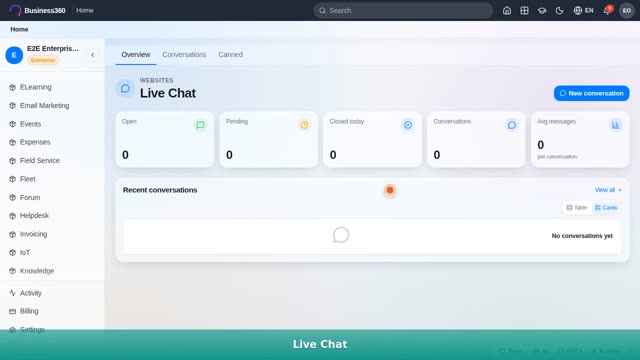
Install the widget, work the agent inbox, and use canned replies.

Build a course, enroll learners, and track completion.

Build a survey, share it, and analyze responses.
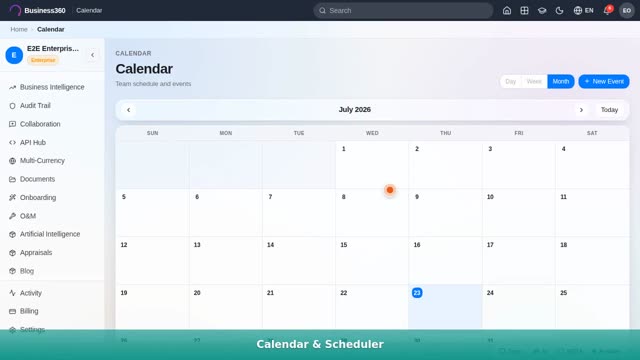
Create events and see dates from across every module in one place.
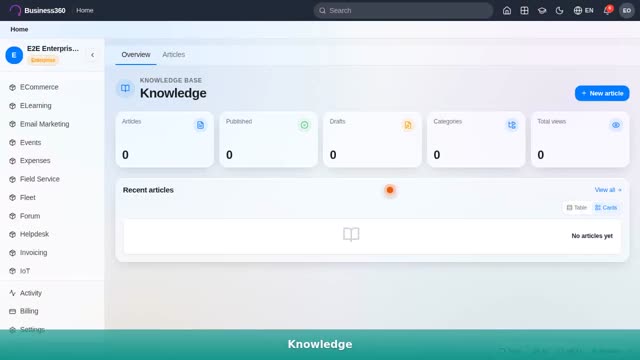
Write articles, organize, and search your internal wiki.

Add signature fields, send for e-signature, and track status.

A deep-dive: build an automation in the visual builder, wire triggers, conditions and actions, and read run logs — real click-by-click.
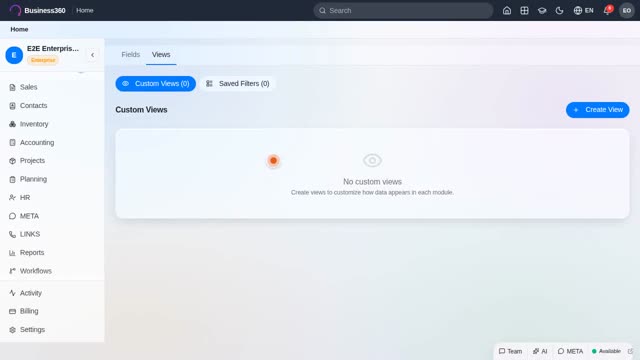
Add fields to any entity and build custom views.

Browse the audit log and the compliance view.
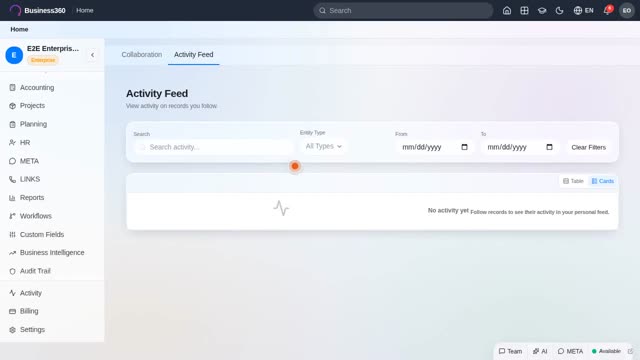
Comments, mentions, and the shared activity feed.
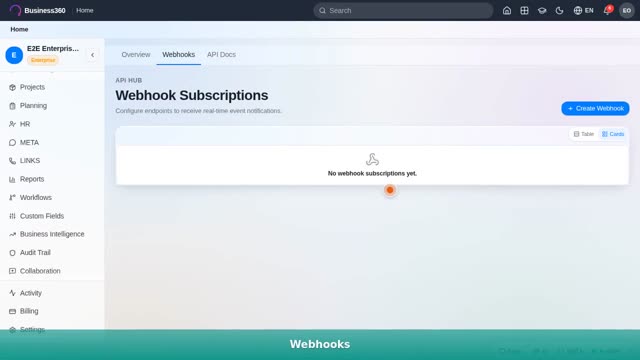
API keys, the docs explorer, and registering webhooks.
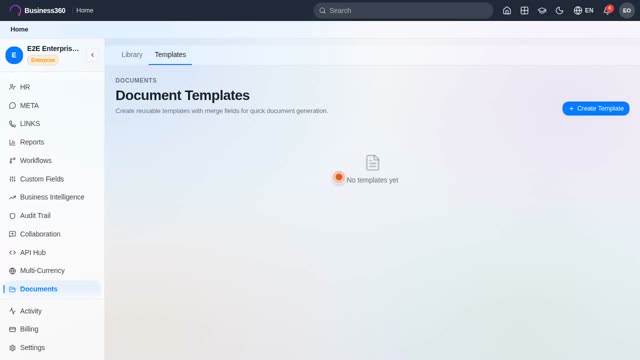
Upload & organize documents, templates, and versions.
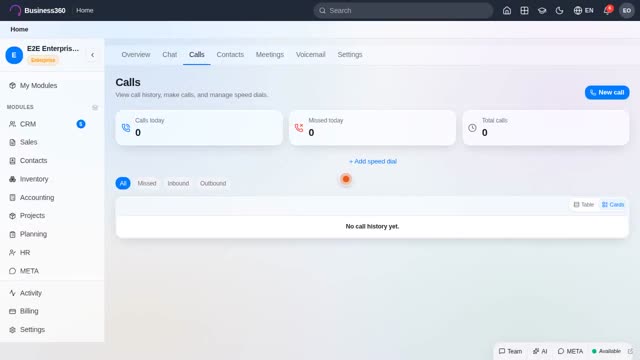
Cloud telephony — set up a line, make & log calls, and routing.
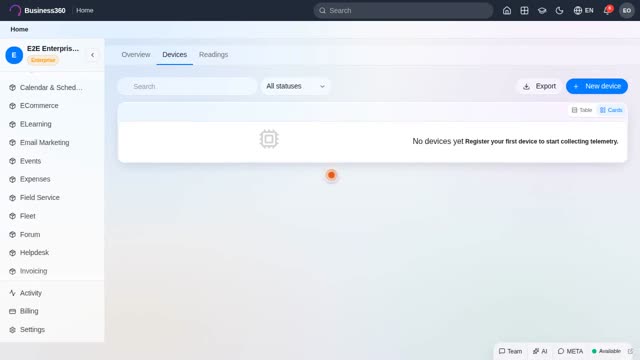
Register a device, live telemetry, and threshold alerts.
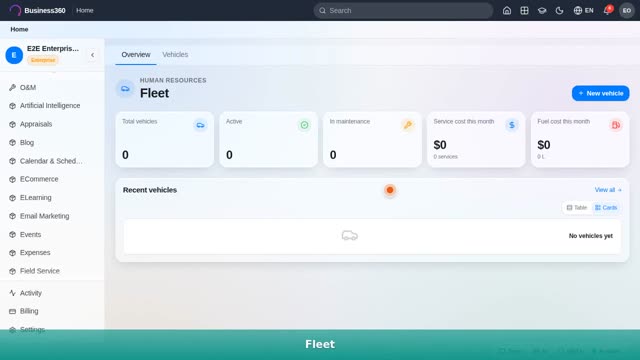
Vehicles, maintenance schedules, and running costs.
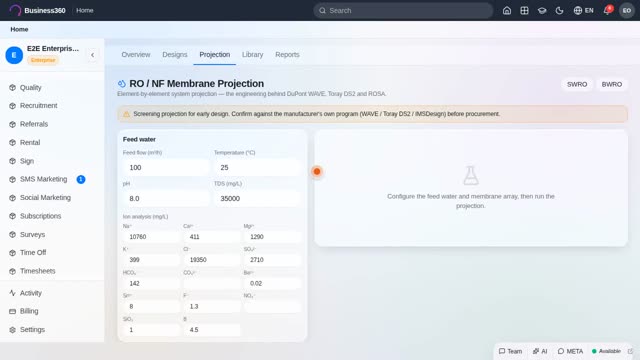
Design a plant — equipment library, projection engine, costs and reports.

Ask the copilot in plain English and use the recipe library.